The wedding photo app your guests don't have to download.
They scan a QR code and shoot in their browser. Every photo comes to you first.
First event free, no card needed. Works on any phone.
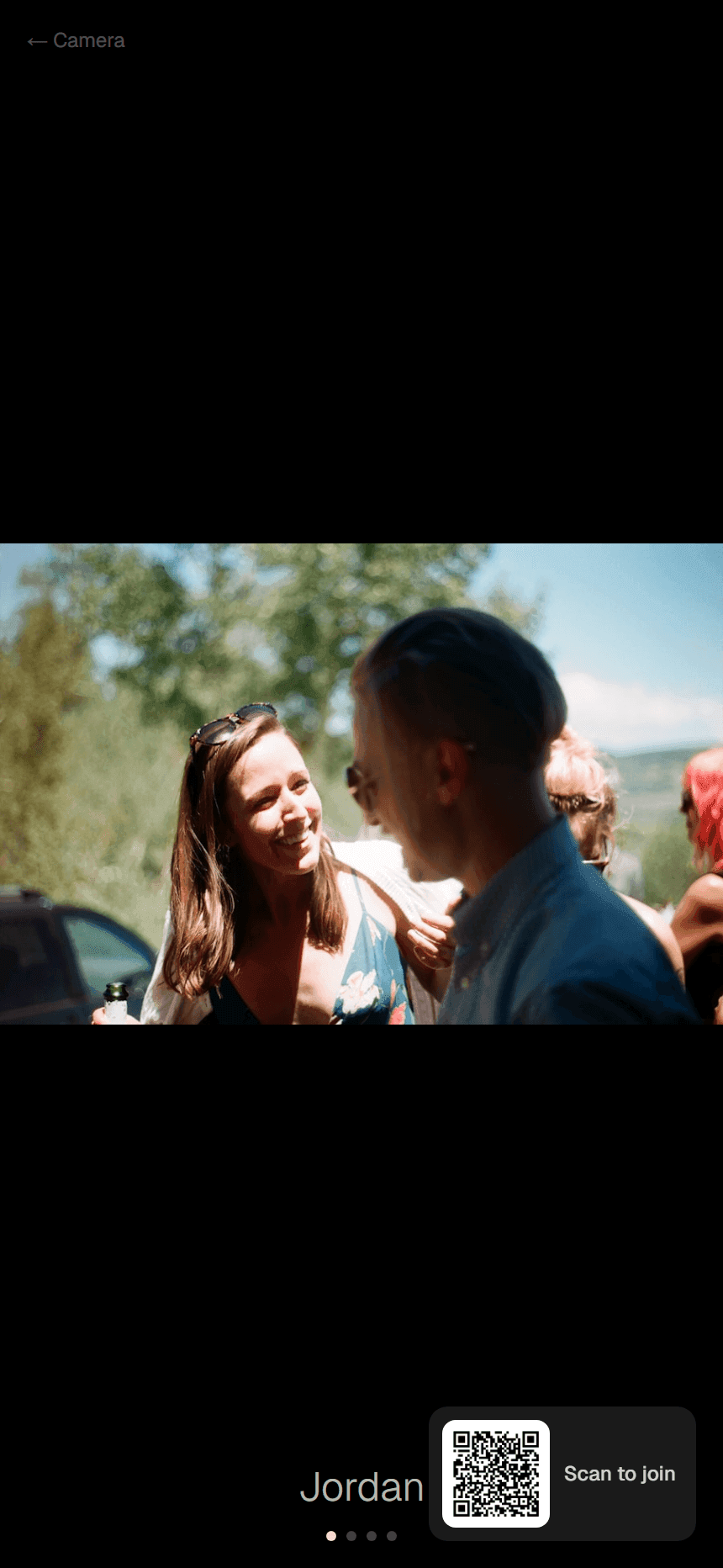
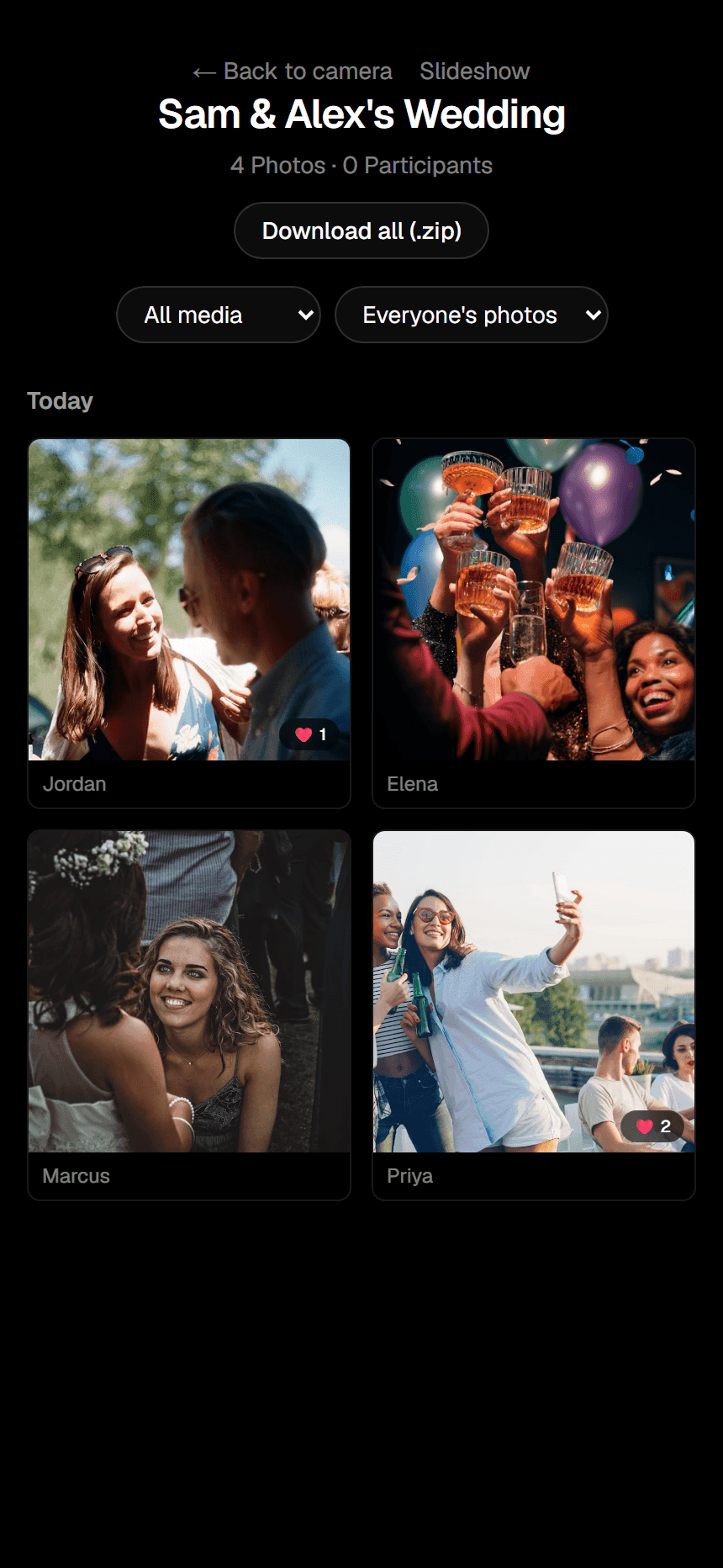
Try it now, on your phone.
Scan the code, take a photo, and watch it arrive here. Only you can see it, and it's deleted within the hour.
Waiting for your photo…
Forty guests, forty phones, and none of it reaches you.
WhatsApp squashes the photos and shared albums rely on people remembering. Kaptr sends everything to one place, at full quality, as it happens.

How it works on the night.
Step 1
Guests scan the card on their table
No app and no account. They type a first name and the camera opens.

Step 2
They shoot all night
Photos and short videos at full quality. Bad signal? They send when it's back.
Step 3
You approve, it's on the big screen
Each photo waits for your yes, then appears on the venue's screen and in your gallery.
Everything from the night, sorted.
You approve everything
Nothing goes public until you say so. Blur a face or a number plate before anyone sees it.
Live on the big screen
A slideshow for the venue's TV or projector, in four styles, showing only approved photos.
A proper reveal
Keep the shared gallery sealed until the morning after. You still see everything straight away.
Disposable-camera rules
Give every guest ten shots, with a warm film look and a date stamp on every photo.
Photo challenges
Post a prompt like “get one with the bride's gran” and it appears on every guest's camera.
A highlight reel
A short vertical video of the night made from your approved photos and clips.
What couples use now, and why it leaks.
| Feature | Kaptr | WhatsApp group | Shared album | Disposable cameras |
|---|---|---|---|---|
| Guests install nothing | Yes | Needs the app and the group | Usually needs an account | Yes |
| Full-quality photos | Yes | Compressed by default | Yes | Film, 27 shots each |
| You see them first | Yes, you approve each one | No | No | After developing |
| On the big screen live | Yes | No | No | No |
| All in one place | On the night | Scattered across chats | If people remember | Weeks later |
Your first wedding is on us.
After that you pay once per event, by guest count. No subscription for couples.
After your free first event, this wedding would be £49, paid once.
Start your wedding freeRun a wedding venue in Scotland?
Put Kaptr on every table for your couples, with your venue's name on the cards. Free for partner venues' couples during our 2027 pilot.
Questions couples ask.
Why not just use a shared album or a WhatsApp group?
You've probably tried that already — it's why you're here. Shared albums lose photos to guests who forget to add them, and group chats compress everything into blurry, low-res copies. Kaptr's camera is the only step a guest has to take, and every shot lands in your gallery at full quality the moment it's sent.
Do guests need an iPhone, or an app?
No. Kaptr opens in the phone's web browser from the QR code, on iPhone and Android alike, so nobody's left out because of the phone they carry or because they don't want another app.
Can a guest reload the page to get around a shot limit?
No — shot limits and the reveal time are enforced on our server, not in the guest's browser. Reloading doesn't reset anything.
Can I remove a photo after I've already approved it?
Yes, any time — unapprove it or delete it permanently, right from your dashboard.
What happens after my first event?
Nothing changes automatically — no card is ever on file. We'll let you know before anything about pricing changes.
What if the venue has bad signal?
Guests can keep shooting. If a photo can't send, it waits on their phone and sends itself when they're back in signal or on the venue wifi. Nothing is lost because the reception was in a barn.
Is the first event really free?
Yes. Your first event is free, with no card on file. If you need a bigger guest list or more events later, paid events start at £29.
Your guests are already taking the photos.
Make sure they reach you.